STEP-BY-STEP GUIDE
STEP-BY-STEP GUIDE
Get Your First Estimate
Connect Your
First Device
Follow these simple steps to get your estimates for your upcoming job
Step
1
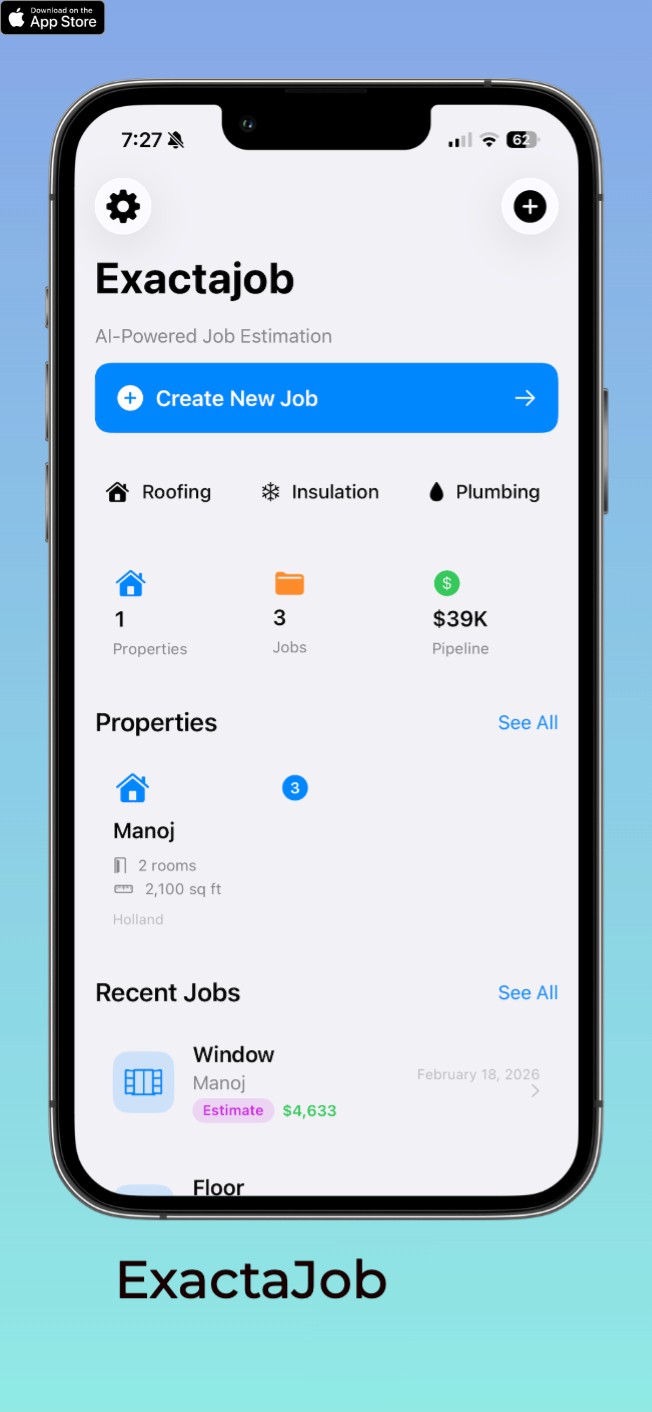
Setup your property
Set it up manually or look it up

Step
1
Setup your property
Set it up manually or look it up
Step
1
Setup your property
Set it up manually or look it up
Step
2
Set up Rooms
Setup Manually or use LIDAR technology

Step
2
Set up Rooms
Setup Manually or use LIDAR technology
Step
2
Set up Rooms
Setup Manually or use LIDAR technology
Step
3
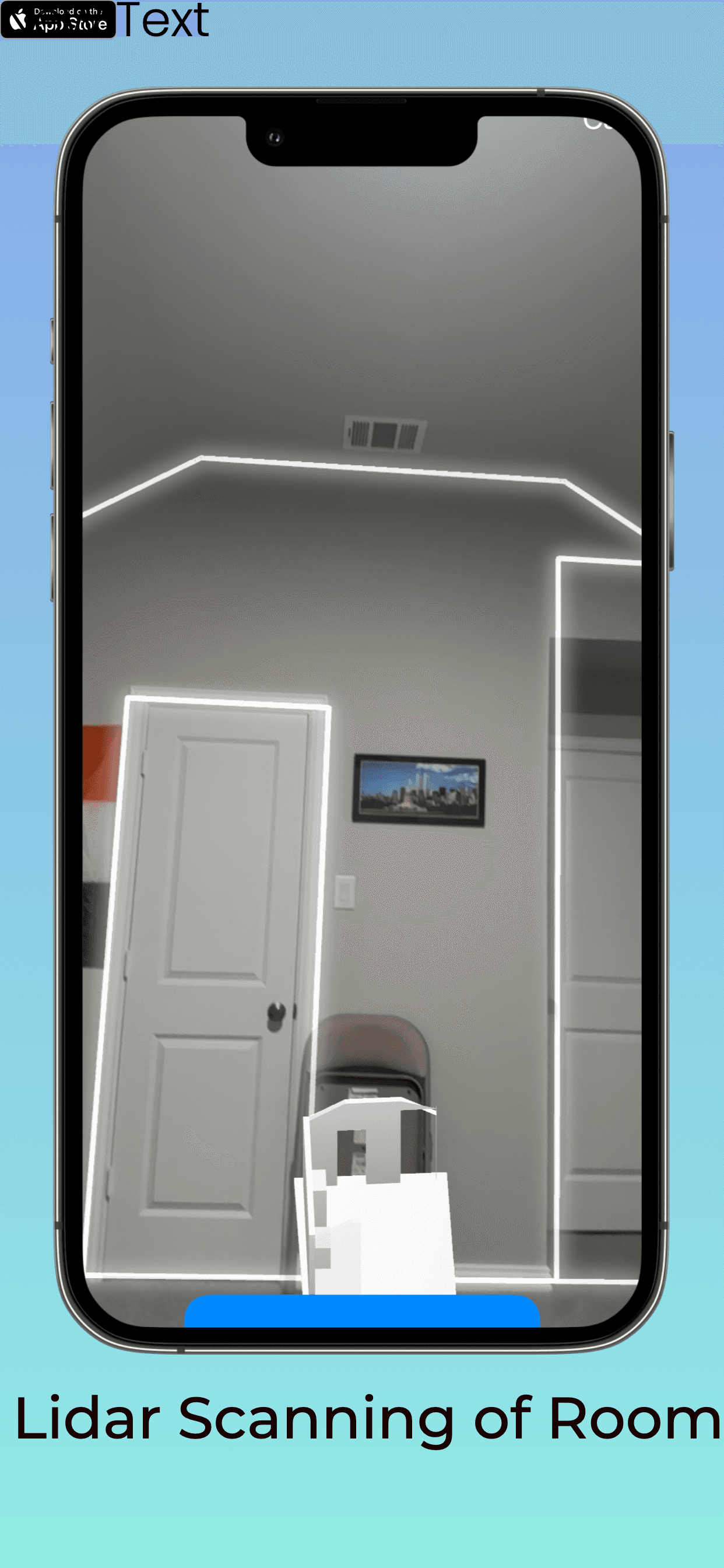
Scan your room using LIDAR technology(Pro models only)
Once your device appears in the list, select it and press the button to connect with.
Step
3
Scan your room using LIDAR technology(Pro models only)
Once your device appears in the list, select it and press the button to connect with.
Step
3
Scan your room using LIDAR technology(Pro models only)
Once your device appears in the list, select it and press the button to connect with.
Step
4
Create your HVAC job
Choose HVAC job type and review the job parameters

Step
4
Create your HVAC job
Choose HVAC job type and review the job parameters
Step
4
Create your HVAC job
Choose HVAC job type and review the job parameters
Step
5
Review Estimate
Review your Cost Breakdown

Step
5
Review Estimate
Review your Cost Breakdown
Step
5
Review Estimate
Review your Cost Breakdown
Step
6
Look at Cost Breakdown and ROI
Review detailed cost inclduing material and labor, ROI. Export to PDF or mark as favorite

Step
6
Look at Cost Breakdown and ROI
Review detailed cost inclduing material and labor, ROI. Export to PDF or mark as favorite
Step
6
Look at Cost Breakdown and ROI
Review detailed cost inclduing material and labor, ROI. Export to PDF or mark as favorite
SUPPORT
SUPPORT
Frequently Asked Questions
Quick solutions to common questions about ExactaJob
1. How do I add rooms to my property?
Navigate to your property detail screen, tap the menu (three dots), and select "Edit Property". From there, you can add rooms by tapping "Add Room" and entering the dimensions. You can also edit or delete existing rooms.
1. How do I add rooms to my property?
Navigate to your property detail screen, tap the menu (three dots), and select "Edit Property". From there, you can add rooms by tapping "Add Room" and entering the dimensions. You can also edit or delete existing rooms.
1. How do I add rooms to my property?
Navigate to your property detail screen, tap the menu (three dots), and select "Edit Property". From there, you can add rooms by tapping "Add Room" and entering the dimensions. You can also edit or delete existing rooms.
2. How accurate are the cost estimates?
2. How accurate are the cost estimates?
2. How accurate are the cost estimates?
3. Can I edit a property after creating jobs for it?
3. Can I edit a property after creating jobs for it?
3. Can I edit a property after creating jobs for it?
4. How do I delete a room?
4. How do I delete a room?
4. How do I delete a room?
5. Can I create a job without a property?
5. Can I create a job without a property?
5. Can I create a job without a property?
6. How do I select rooms for a flooring job?
6. How do I select rooms for a flooring job?
6. How do I select rooms for a flooring job?
7. What job types are supported?
7. What job types are supported?
7. What job types are supported?
8. How do I use the roof measurement map?
8. How do I use the roof measurement map?
8. How do I use the roof measurement map?
Download for free
Download for free
Download for free
Join homeowners worldwide
Join homeowners worldwide
Join homeowners worldwide
Plan your home improvements with confidence. Get accurate cost estimates and be prepared when talking to contractors!
Plan your home improvements with confidence. Get accurate cost estimates and be prepared when talking to contractors!
Plan your home improvements with confidence. Get accurate cost estimates and be prepared when talking to contractors!